

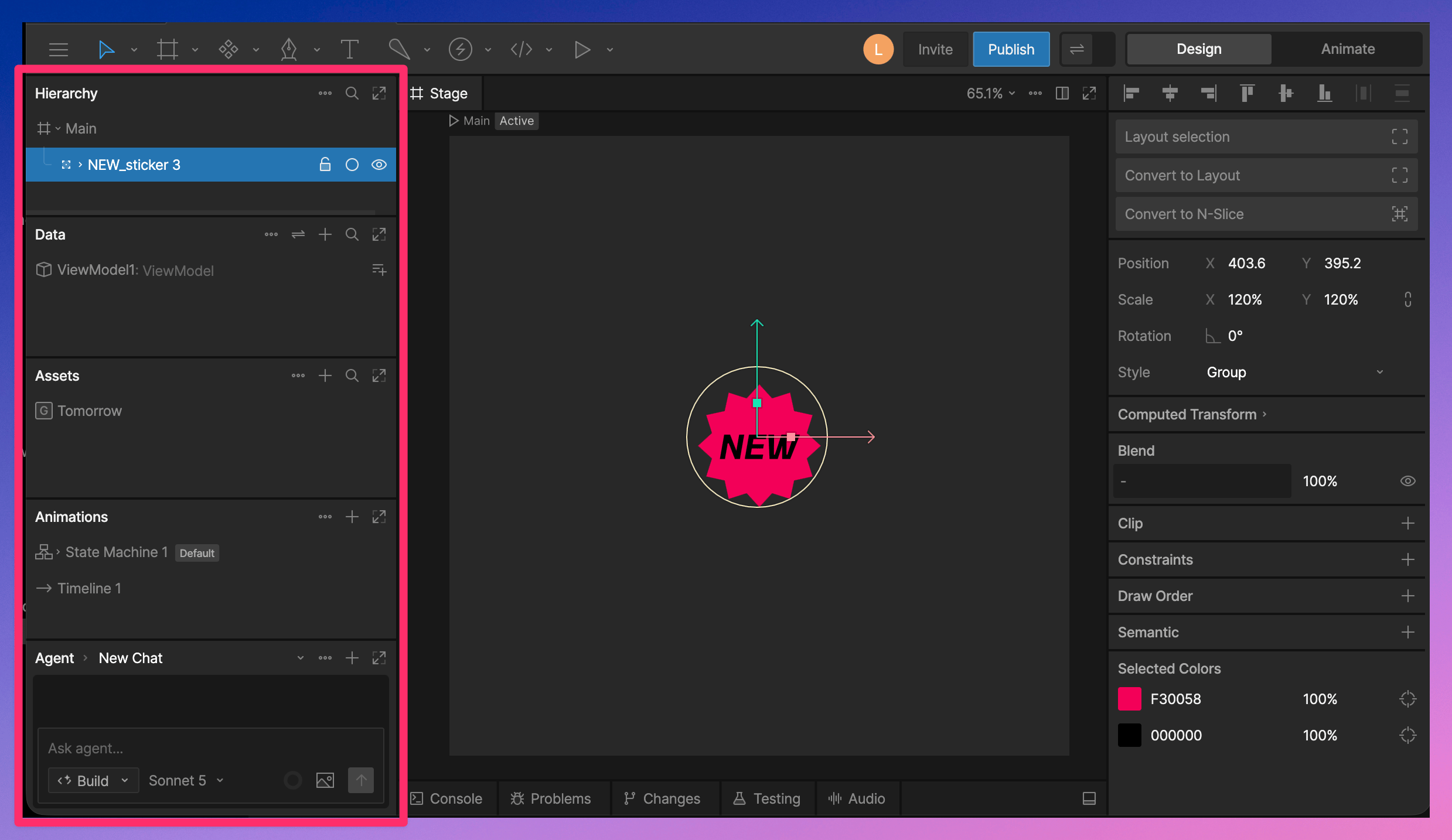
Panels
The sidebar includes several panels:- Hierarchy - View and organize the objects in your file.
- Data - Create and manage View Models, properties, and data binding.
- Assets - Manage images, fonts, audio, and other assets used in your file.
- Animations - Create and manage animations and State Machines.
- Agent - Use the AI Agent to help create, edit, and explore your file.
Panel Options
Use the … menu on a panel to access options such as filtering, sorting, collapsing the panel, or resetting the sidebar layout.Organizing Panels
You can customize how panels appear in the sidebar.- Toggle full sidebar height.
- Drag panels to change their order.
- Drag a panel into its own column.